WatchNPlay
Sync what you watch in Kodi with WatchNPlay
To download this Add-On, we highly recommend you do it via the user interface in Kodi. Simply look for the "Get More" button in the Add-Ons menu. If you want to install it manually, you can direct download from the platforms link that matches your platform then in Kodi look for the "Install via Zip" option.
- Description
WatchNPlay is an app for iPhone and Android and a website at watch-n-play.com: track movies, series and games, rate them and see where they are streaming.
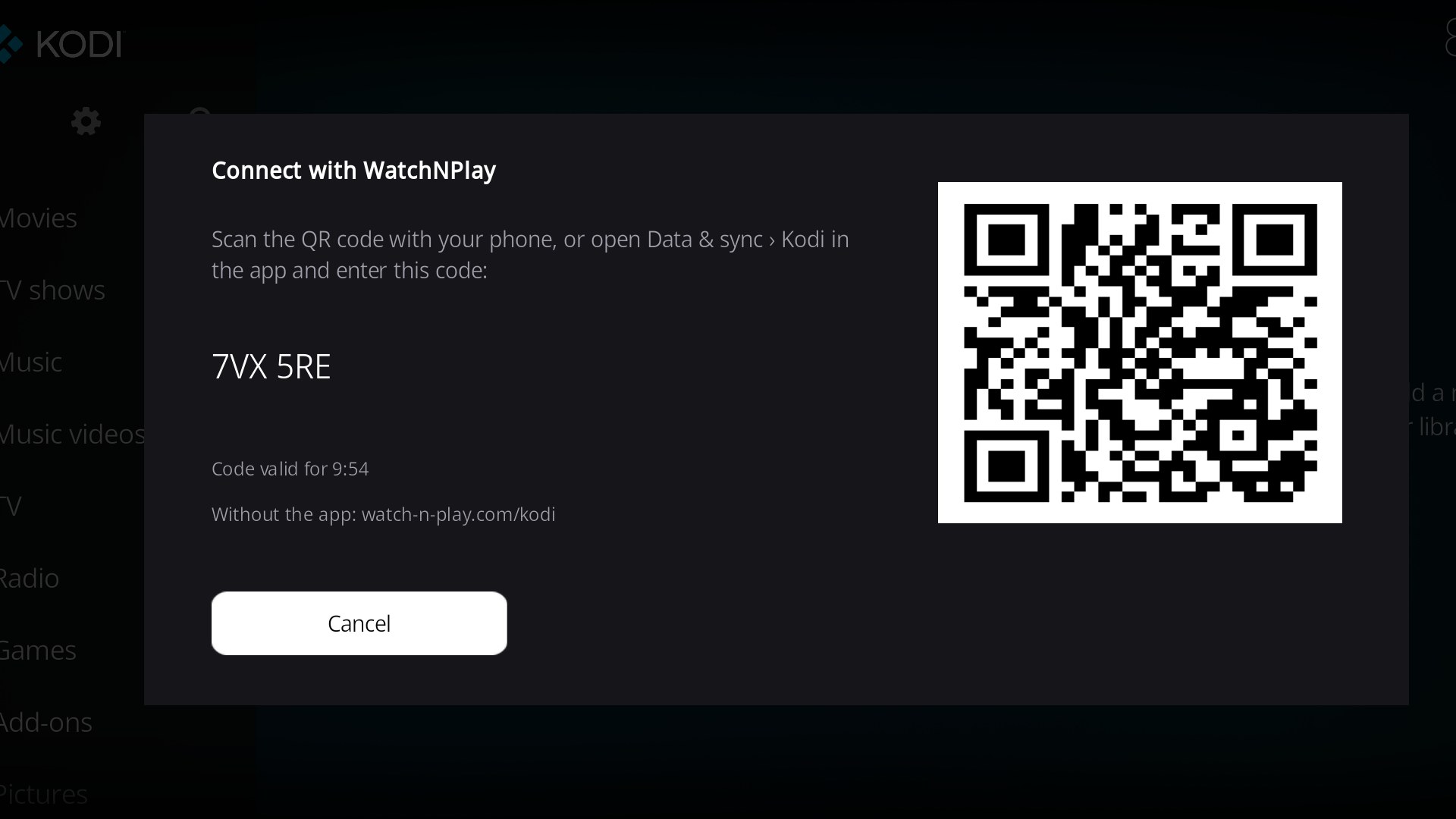
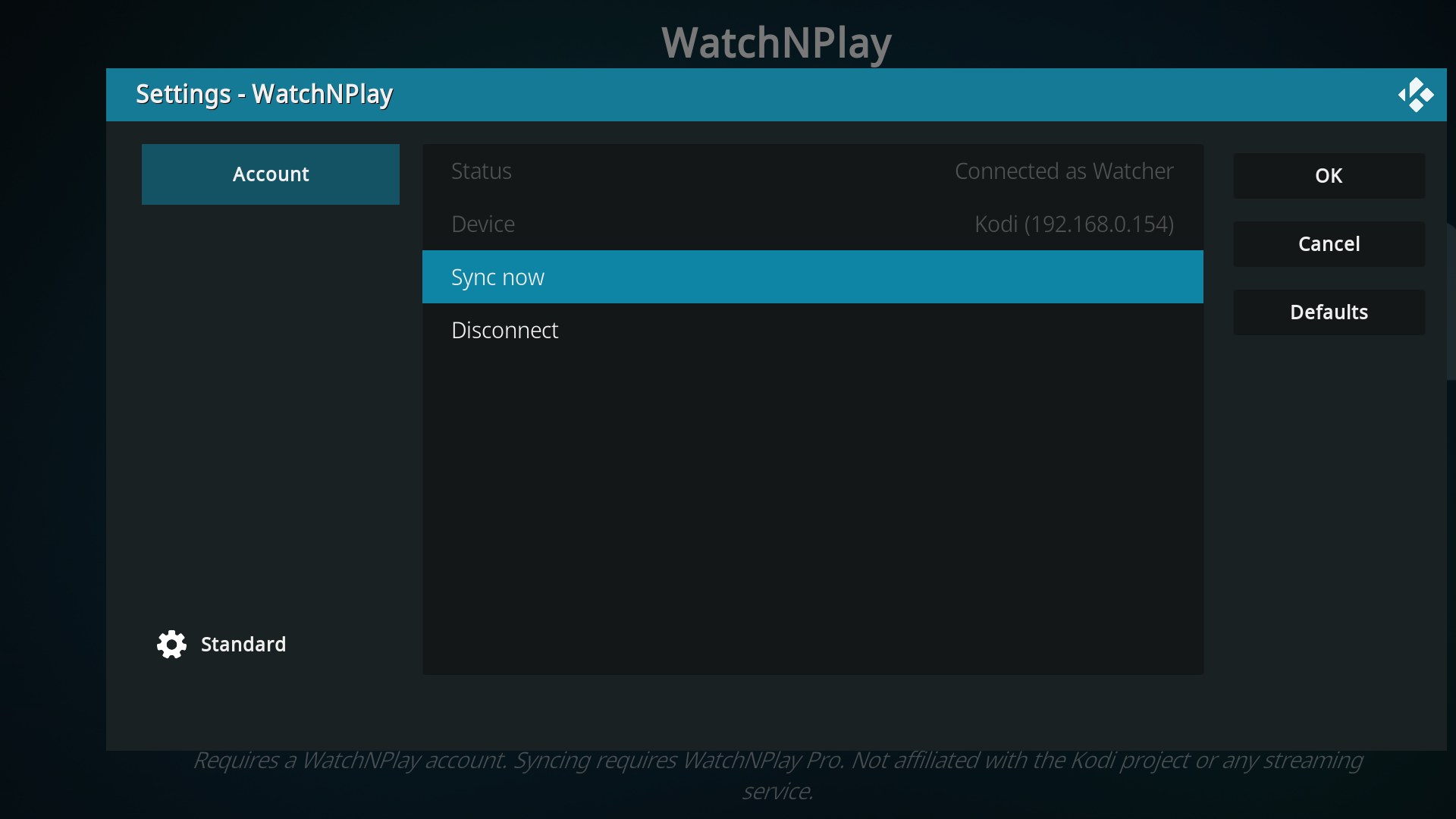
This add-on keeps your WatchNPlay account up to date with what you watch in Kodi. Movies and episodes that Kodi marks as watched are added to your WatchNPlay history. Playback from streaming add-ons counts once it is almost finished. If you switch on back-sync in WatchNPlay, titles you mark as watched there are marked in Kodi too, including titles that only join your Kodi library later. To connect, scan the QR code shown on your TV with your phone, or enter the short code in the WatchNPlay app or on watch-n-play.com/kodi. There is nothing to type on the TV.
- Website
- https://www.watch-n-play.com
- License
- MIT
- Platforms
- Size
- 223KB
- Downloads
- 192 (this is the download count for the most current version)